Find in Page That Ignores Accents (đ, ệ, é)
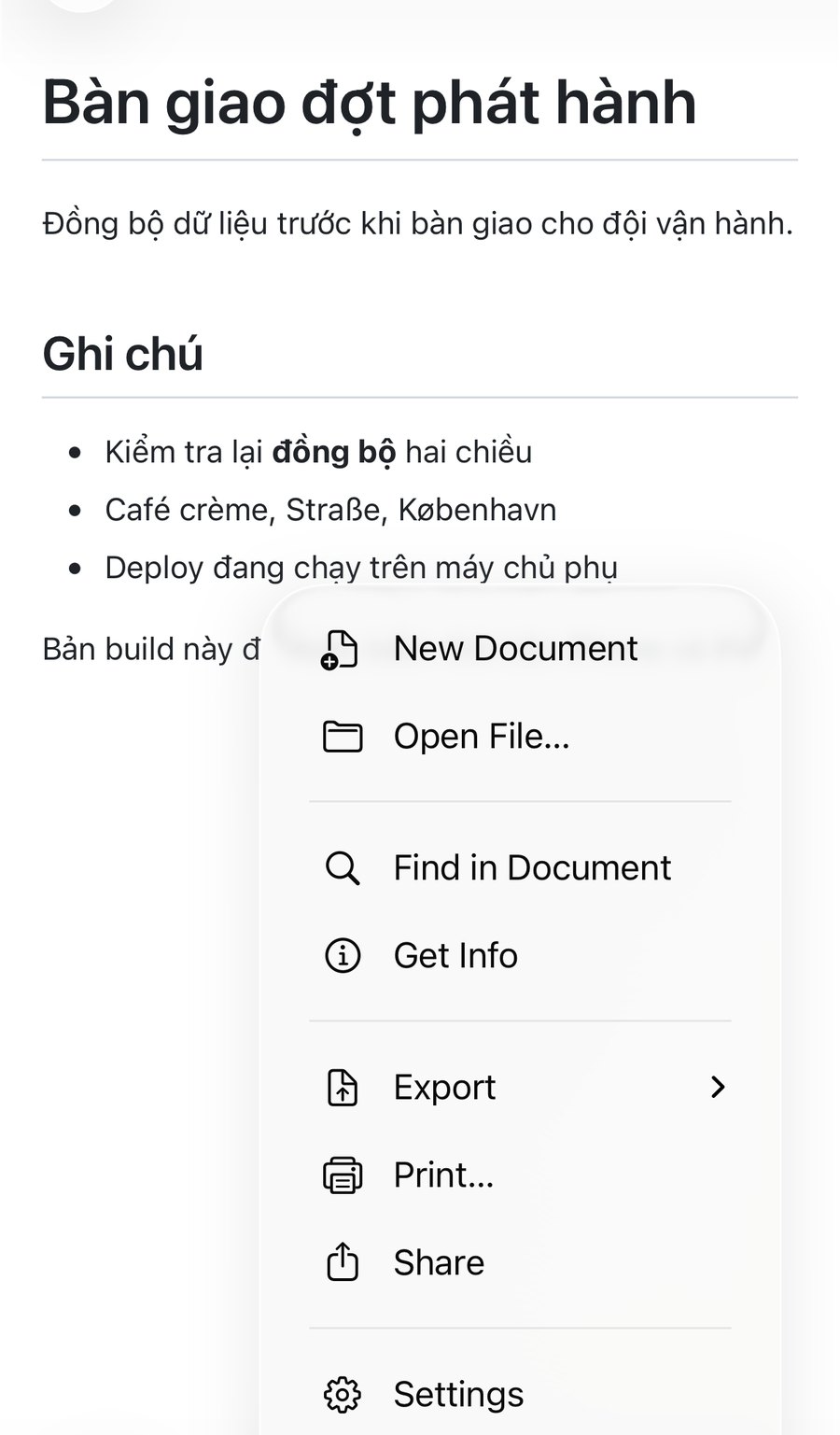
You can search a Markdown document in QuickMark by typing the letters without their accents. Type dong bo and it finds đồng bộ. Type cafe and it finds Café. On a Mac the find bar is ⌘F; on iPhone it is the … menu, then Find in Document.
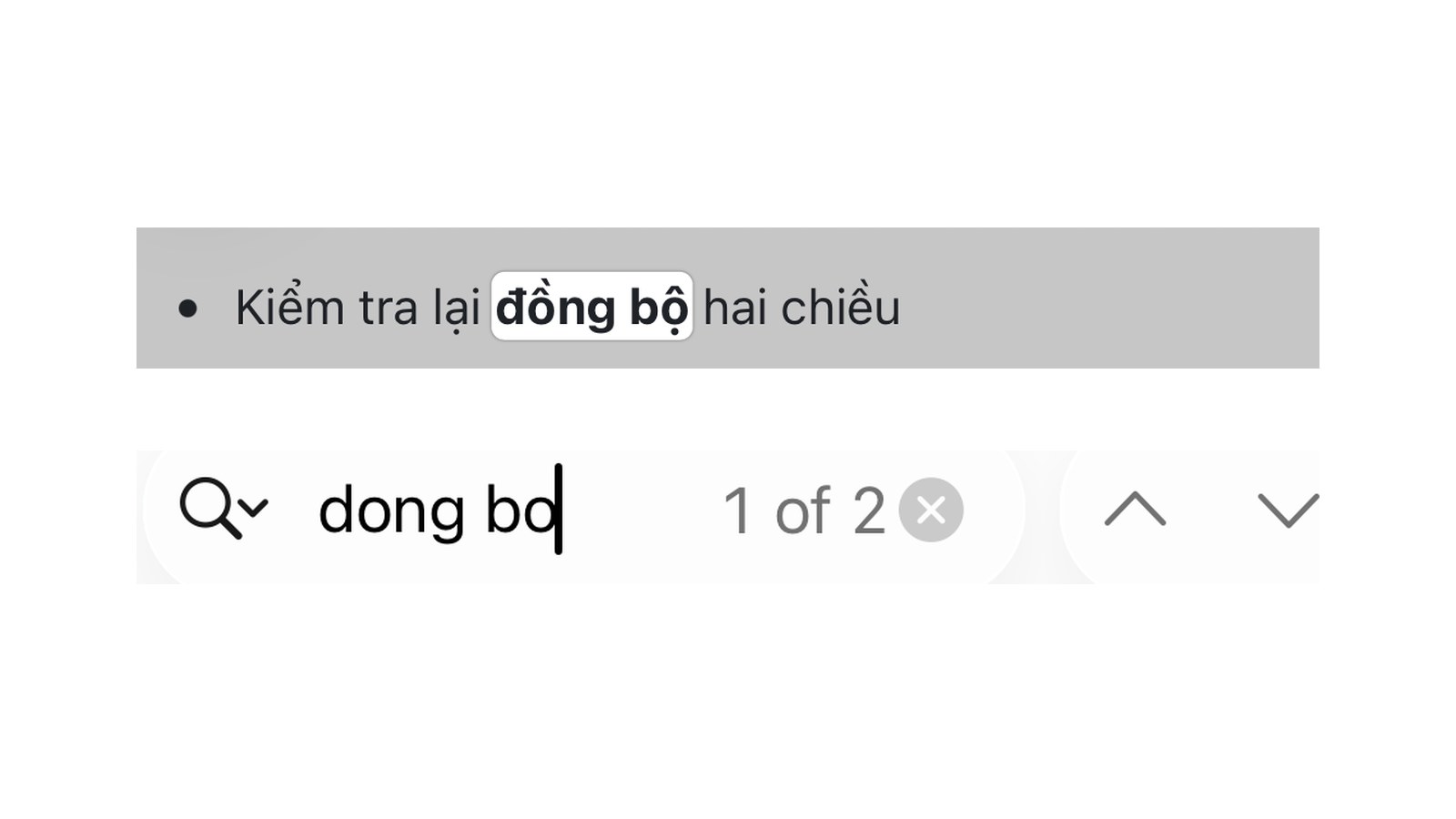
This matters more than it sounds. If you write Vietnamese notes, your document is full of ệ, ữ, ộ and đ, but the moment you are on a borrowed keyboard, or you simply cannot remember whether you wrote chuẩn bị or chuẩn bi, a literal search comes back empty. Same problem for a German ü, a French è, a Spanish ñ.
What the search actually does to your query
Both sides of the comparison get flattened before anything is compared. The query you type and the text in the document are each split into a base letter plus its marks, the marks are thrown away, and what is left is matched case-insensitively.
So ộ becomes o, ằ becomes a, ü becomes u. Because it happens on both sides, it works in both directions: typing the accents correctly still finds the word, and typing them incorrectly usually does too. Searching đong in a document that contains both đồng and dong returns both, not one.
One letter gets special treatment. Vietnamese đ is not a d with a mark on it, it is its own letter with a stroke through the stem, so the general rule above leaves it alone. It is folded to d on purpose, because typing dong bo to find đồng bộ is exactly what a Vietnamese writer does.
Measured on one document
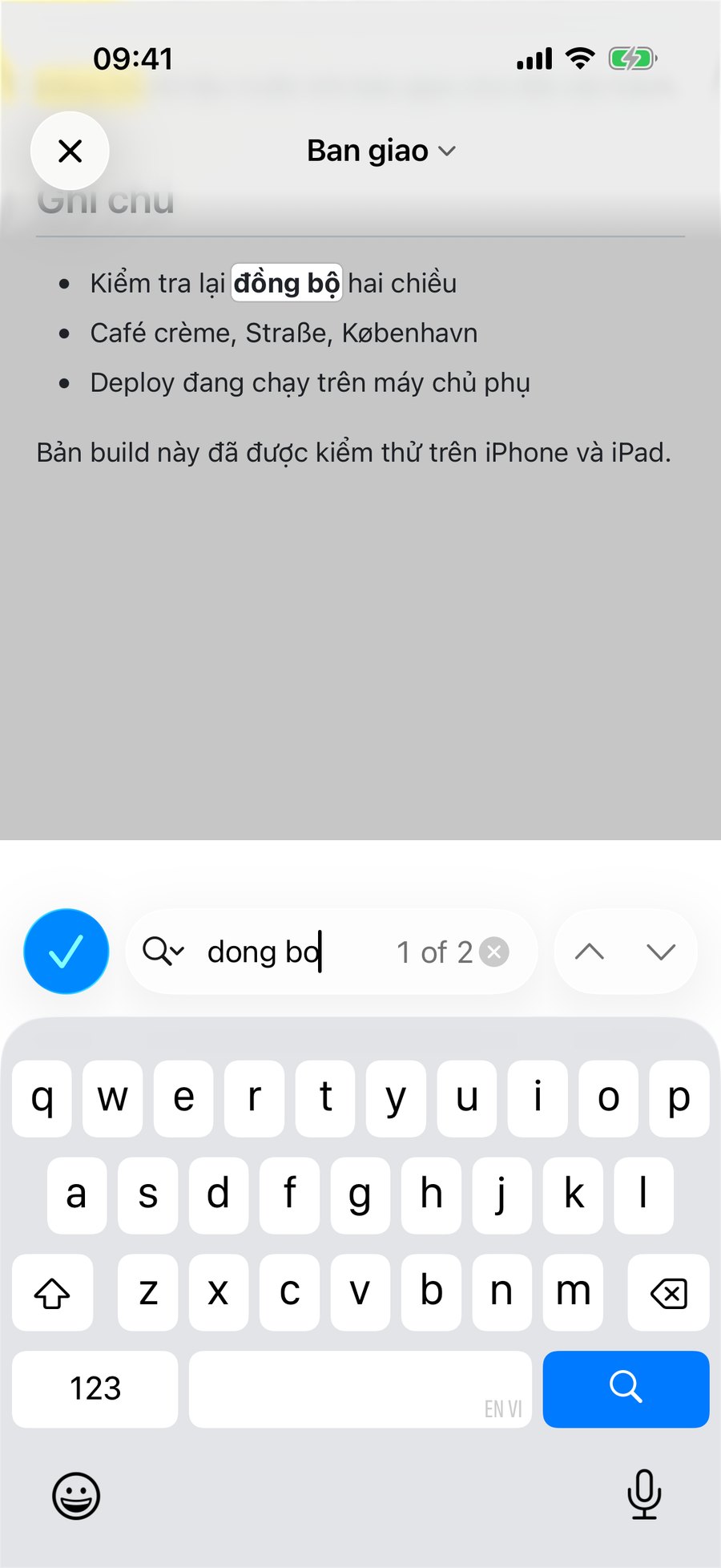
Here is the demo file used for every screenshot in this post, and what each query returned. Nothing here is from memory: the counts come from running the queries through the real code, and the iPhone column is read off the screenshots.
# Bàn giao đợt phát hành

Đồng bộ dữ liệu trước khi bàn giao cho đội vận hành.

## Ghi chú

- Kiểm tra lại **đồng bộ** hai chiều
- Café crème, Straße, København
- Deploy đang chạy trên máy chủ phụ| You type | Word in the document | Mac, editor | Mac, preview | iPhone |
|---|---|---|---|---|
dong bo | đồng bộ | 2 | 2 | 2 |
đồng bộ | đồng bộ | 2 | 2 | 2 |
du lieu | dữ liệu | 1 | 1 | 1 |
ban giao | Bàn giao / bàn giao | 2 | 2 | 2 |
dang | đang | 1 | 1 | 1 |
cafe | Café | 1 | 1 | 1 |
strasse | Straße | 1 | 0 | 1 |
kobenhavn | København | 0 | 0 | 1 |
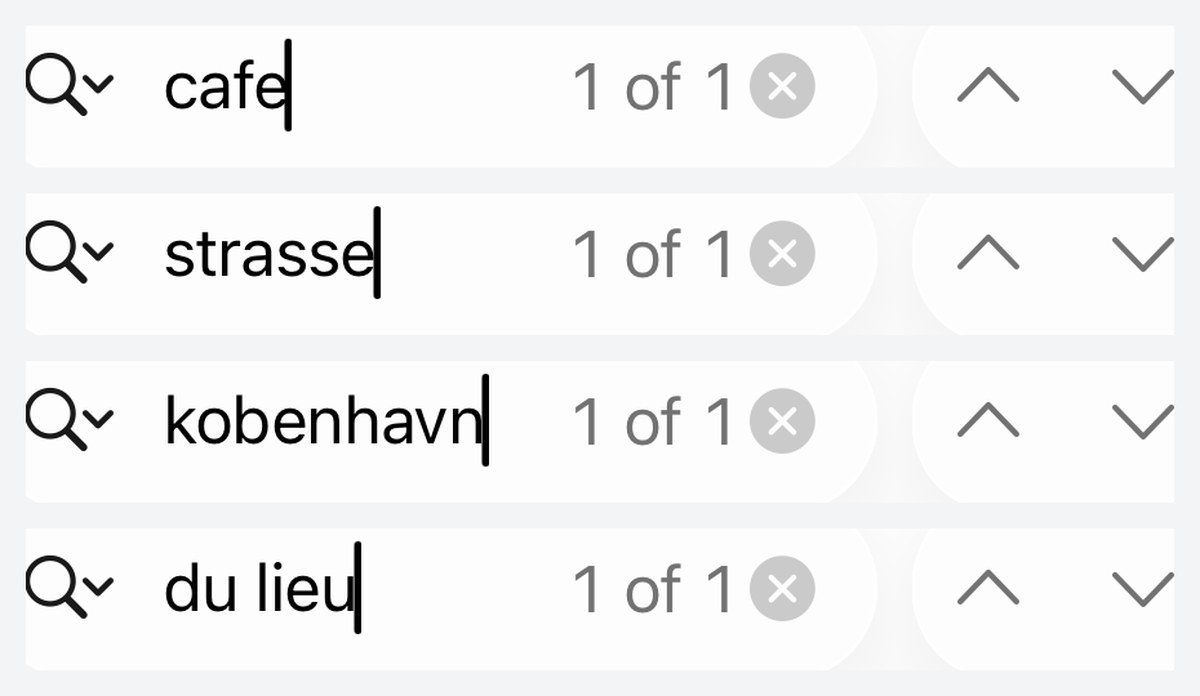
The last two rows are the honest edge. ß and ø are not accented letters, they are separate letters, so the strip-the-marks rule has nothing to strip. Vietnamese đ is folded because it was worth writing the special case for; Danish ø, German ß and Polish ł are not folded by the app's own search. The system find bar on iPhone is Apple's, and it happens to fold a couple of those too, which is why that column reaches further right.
Practical version: if the word is accented, drop the accents and search. If the word contains a different letter such as ß or ø, type that letter. Everything inside ó, è, ü, ñ, ệ, ữ territory is covered.
Where the find bar lives
Mac
- ⌘F puts the cursor in the search field in the toolbar.
- ⌘G is next match, ⇧⌘G is previous. Both wrap around: past the last match you land back on the first.
- The field shows a live
3/12counter, so you know how many hits there are before stepping through them. - What gets searched follows the pane you are in. In the editor it searches the Markdown source, so a search can land inside
**bold**markers or a link's URL. In preview it searches the rendered text, where those markers no longer exist.
iPhone
Tap … and choose Find in Document. The search bar appears at the bottom of the screen with the same kind of counter and up/down chevrons, and the document dims behind it so the current match stands out.
Three things the search does not do
- No regular expressions. It is a plain substring search.
.and*match themselves. - No whole-word option in the app's own bar. Searching
bomatches inside bộ and inside bottom alike, which is usually what you want when you are hunting a Vietnamese phrase and usually not what you want for a three-letter English word. Add a second word to narrow it. - Case is always ignored. There is no case-sensitive toggle in the Mac find bar, so
APIandapiare the same query.
If you keep several files open at once, the search runs on the document in front of you, not across the whole set: see working across many files with tabs for how that stacks up. If you read on an iPad, split view is the other feature worth knowing, and if you are just getting files into the app in the first place, start with opening .md files on iPhone and iPad.
Get rendered Markdown previews everywhere
QuickMark is a free, native Markdown app for Mac, iPhone and iPad. Live preview, export and publish built in.